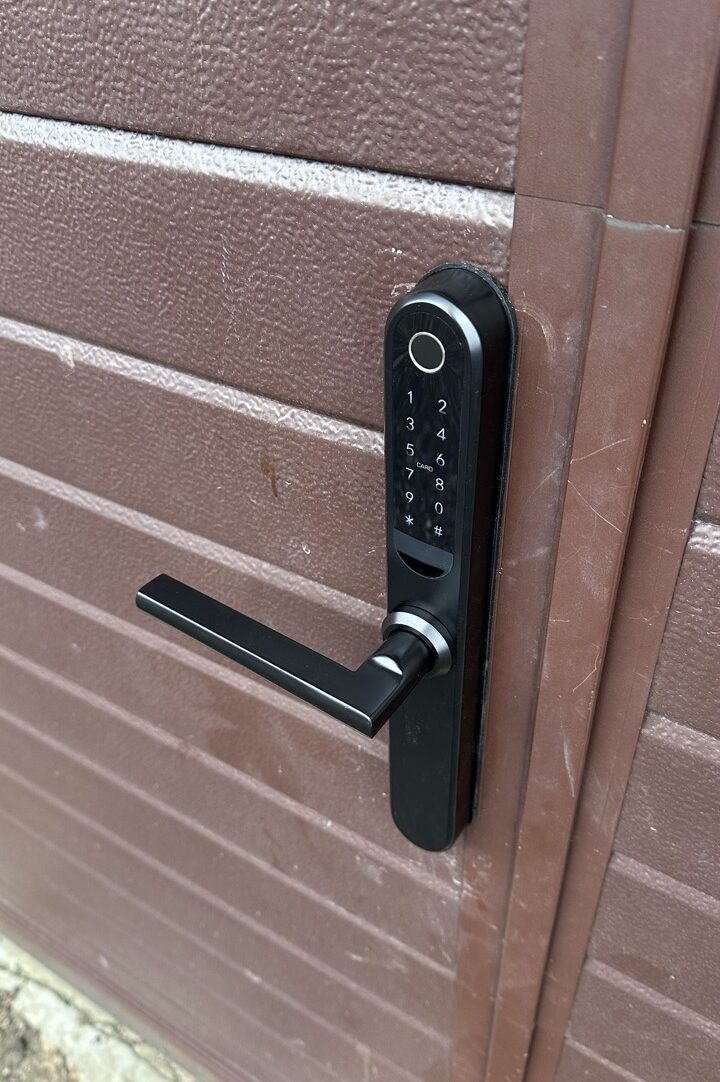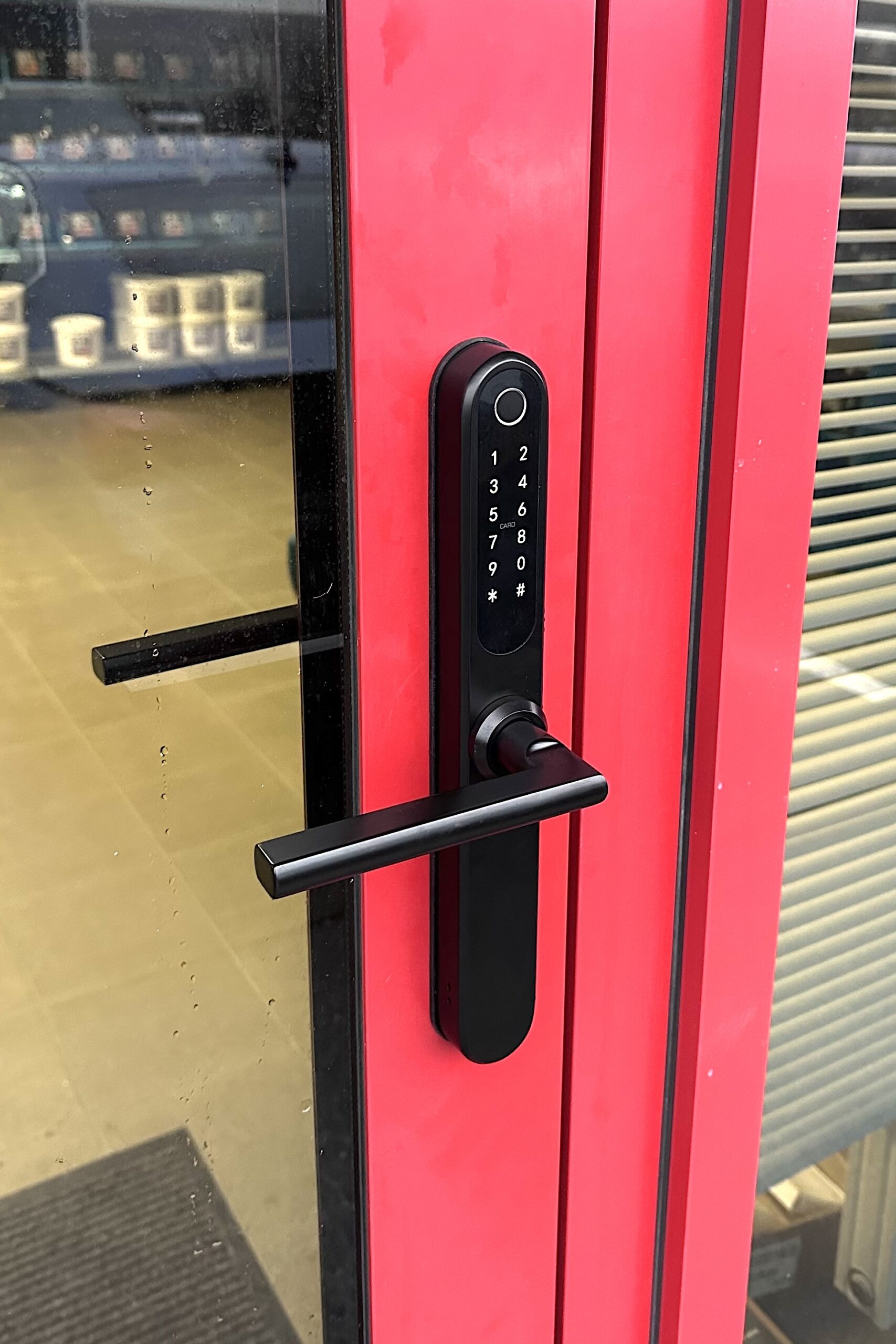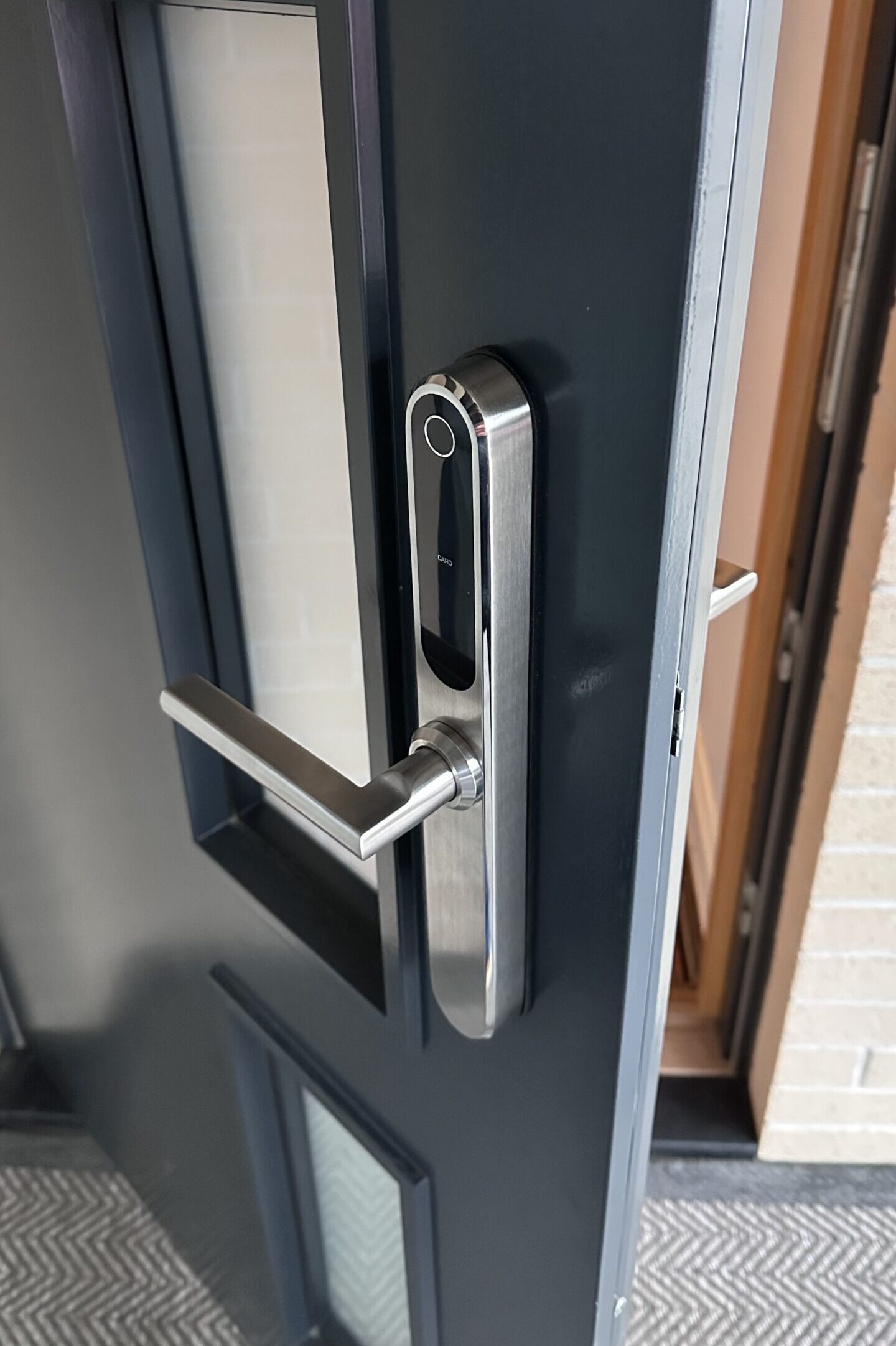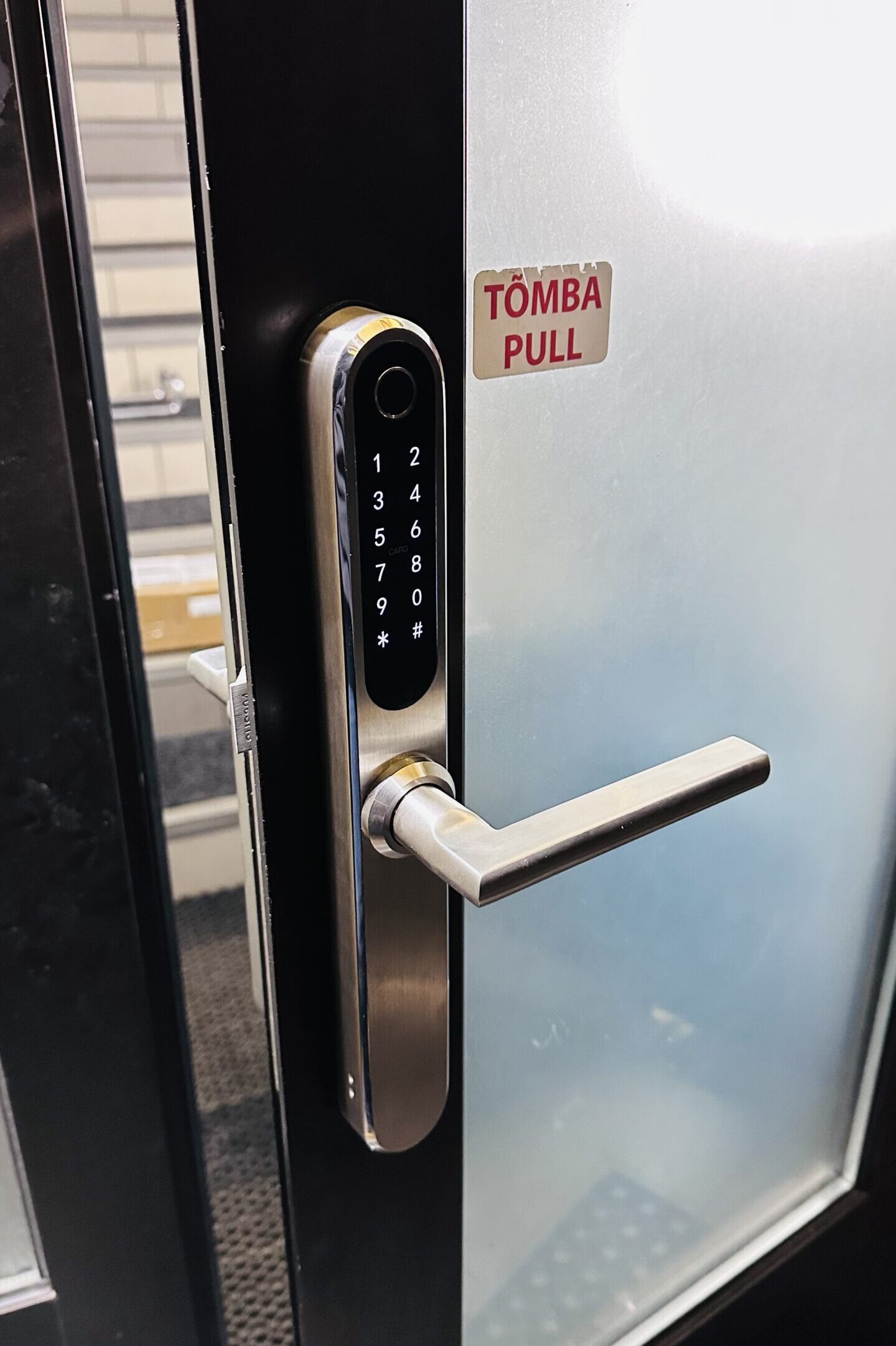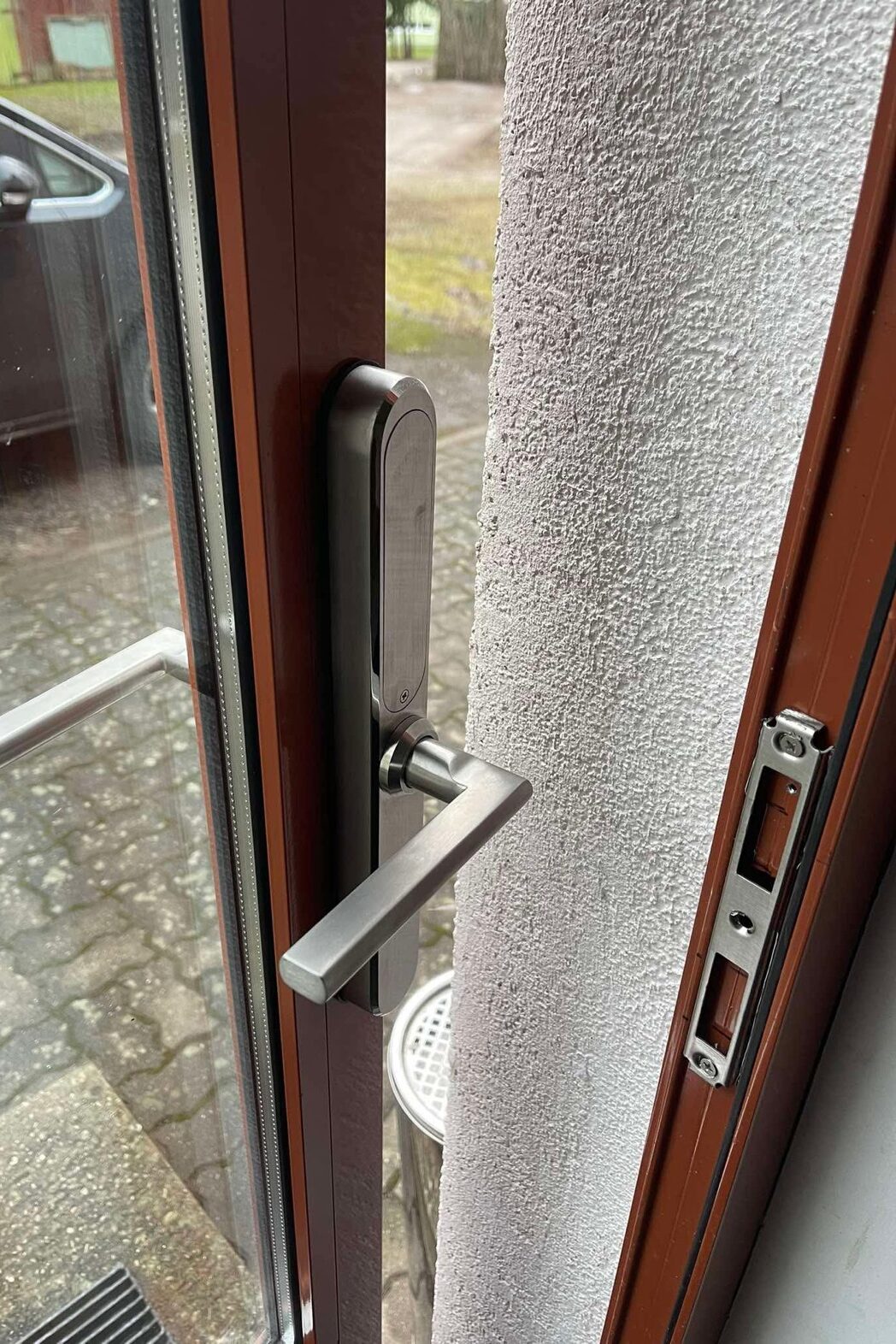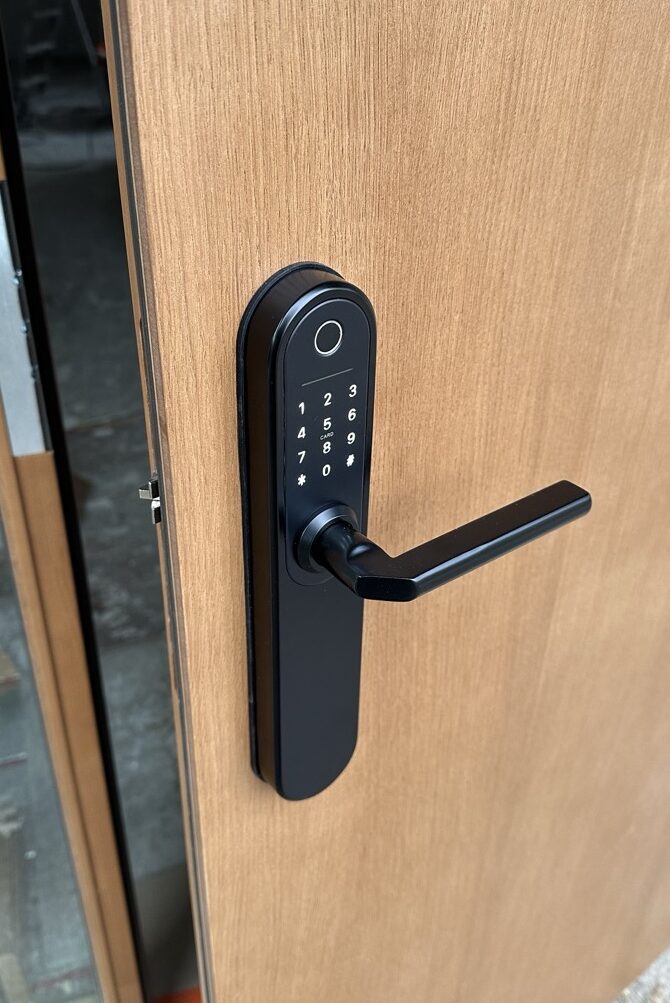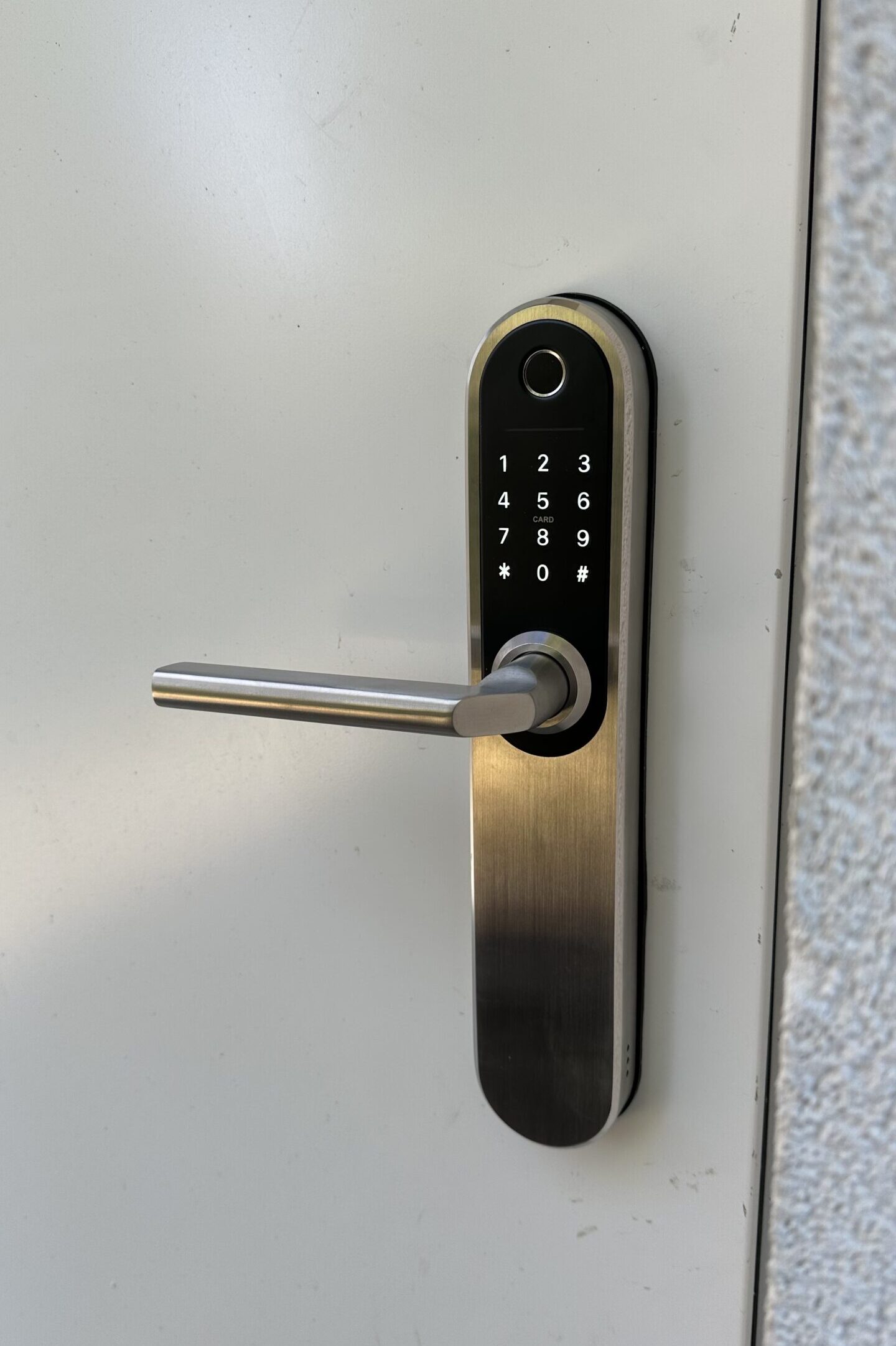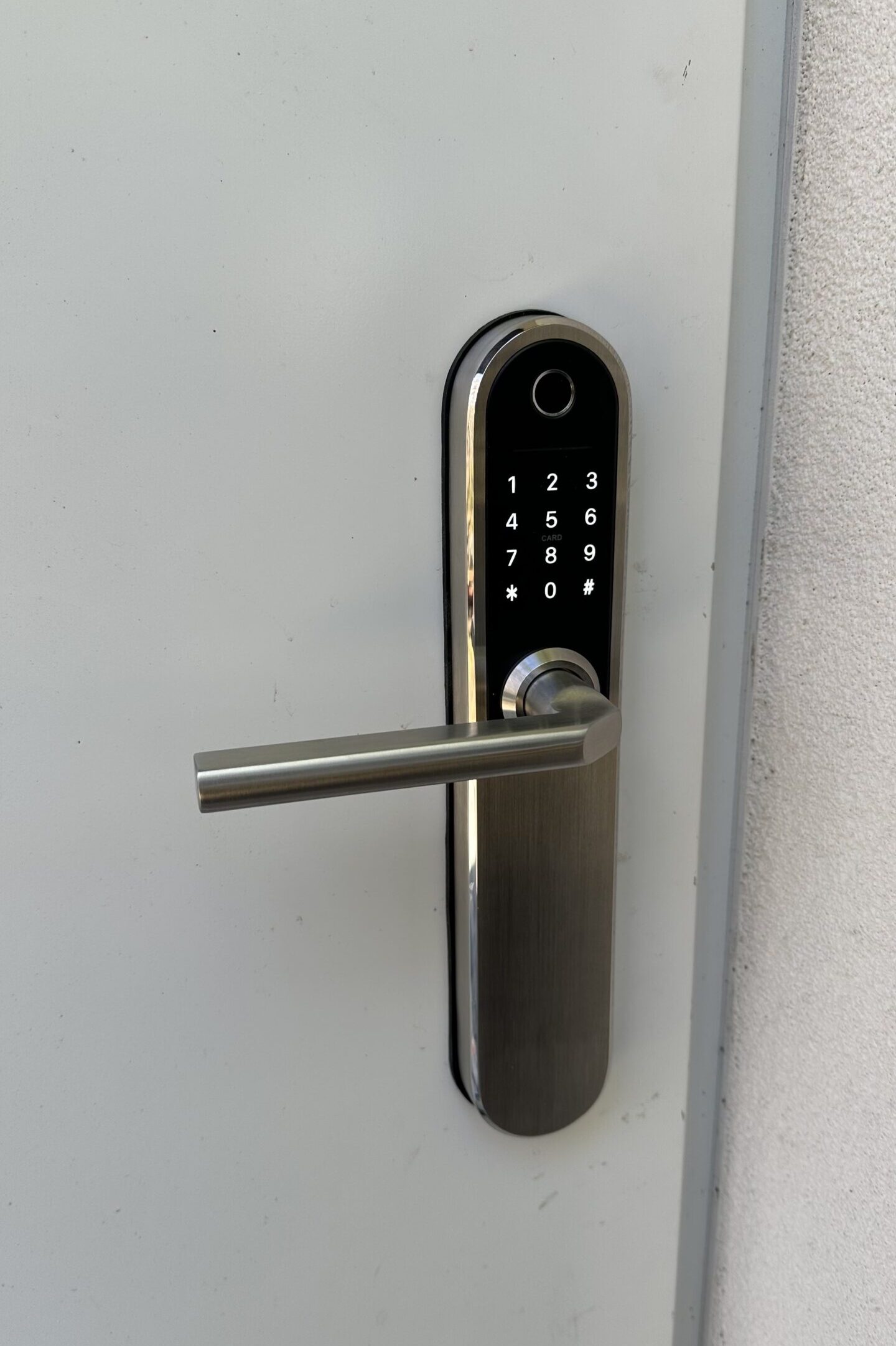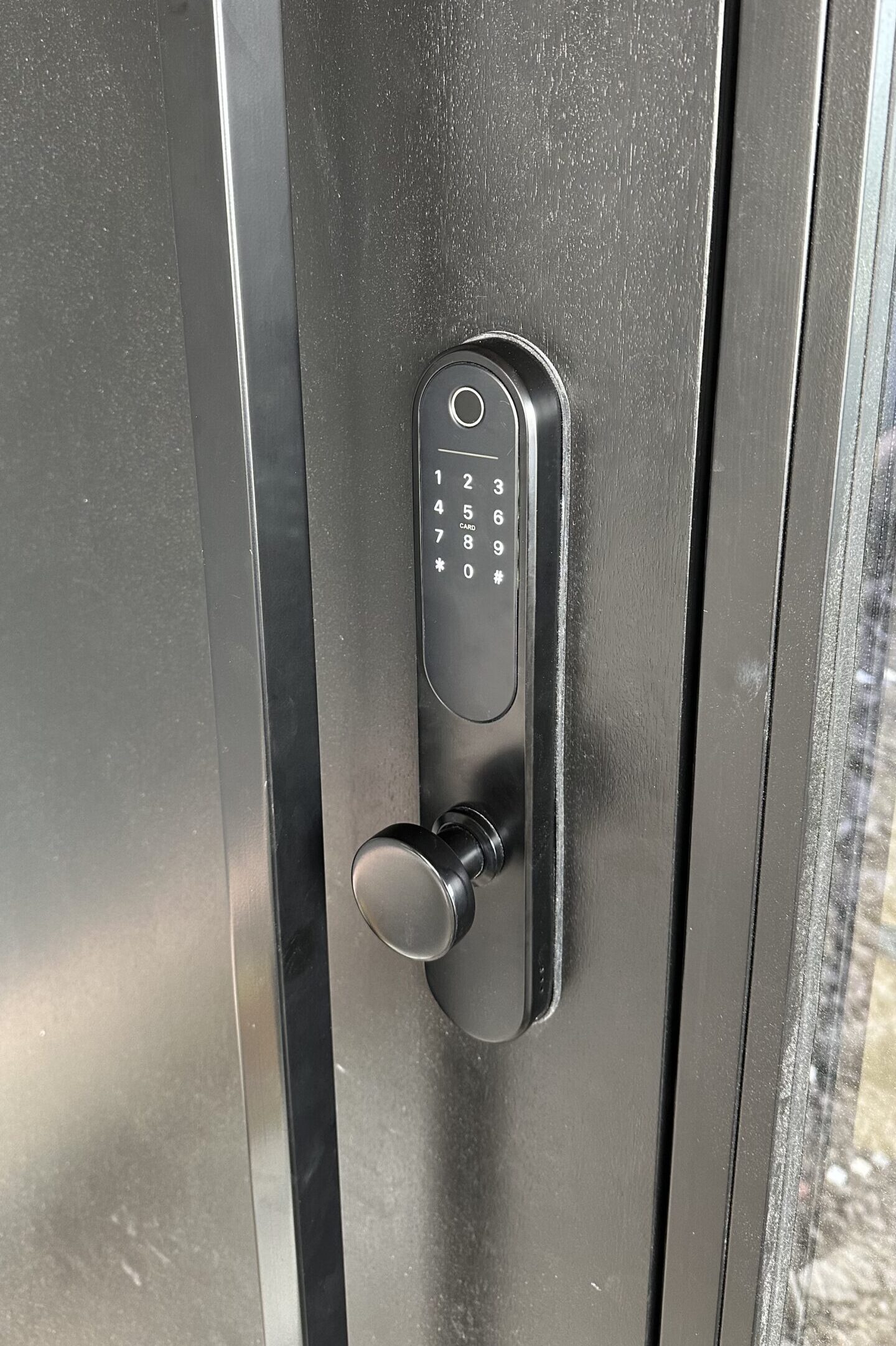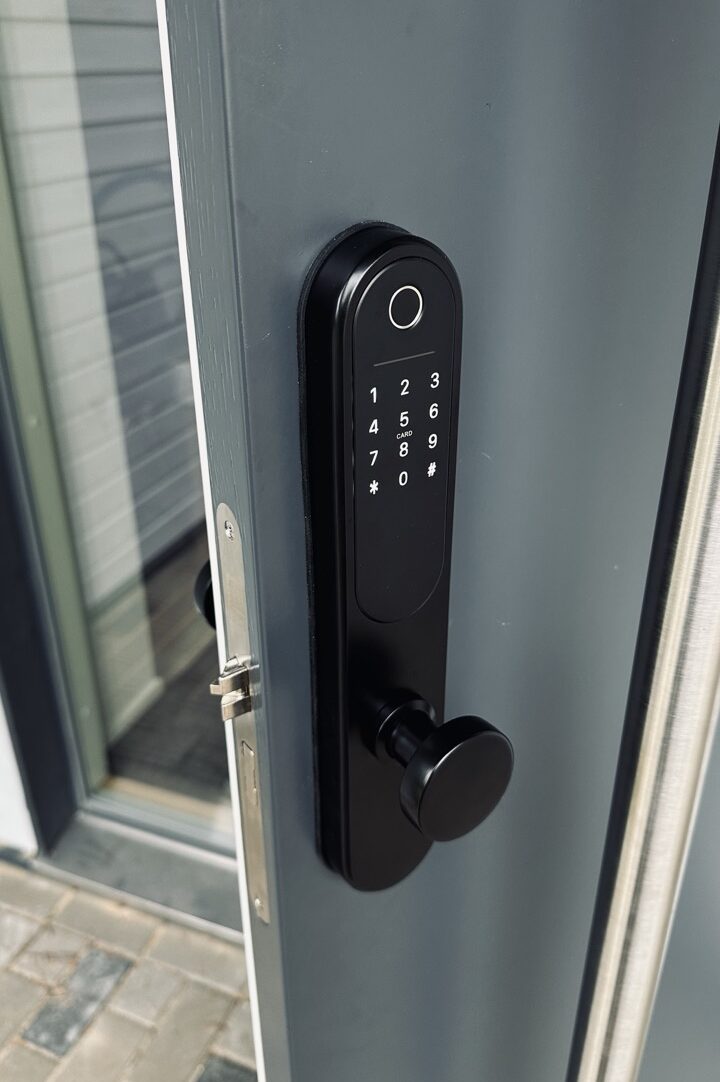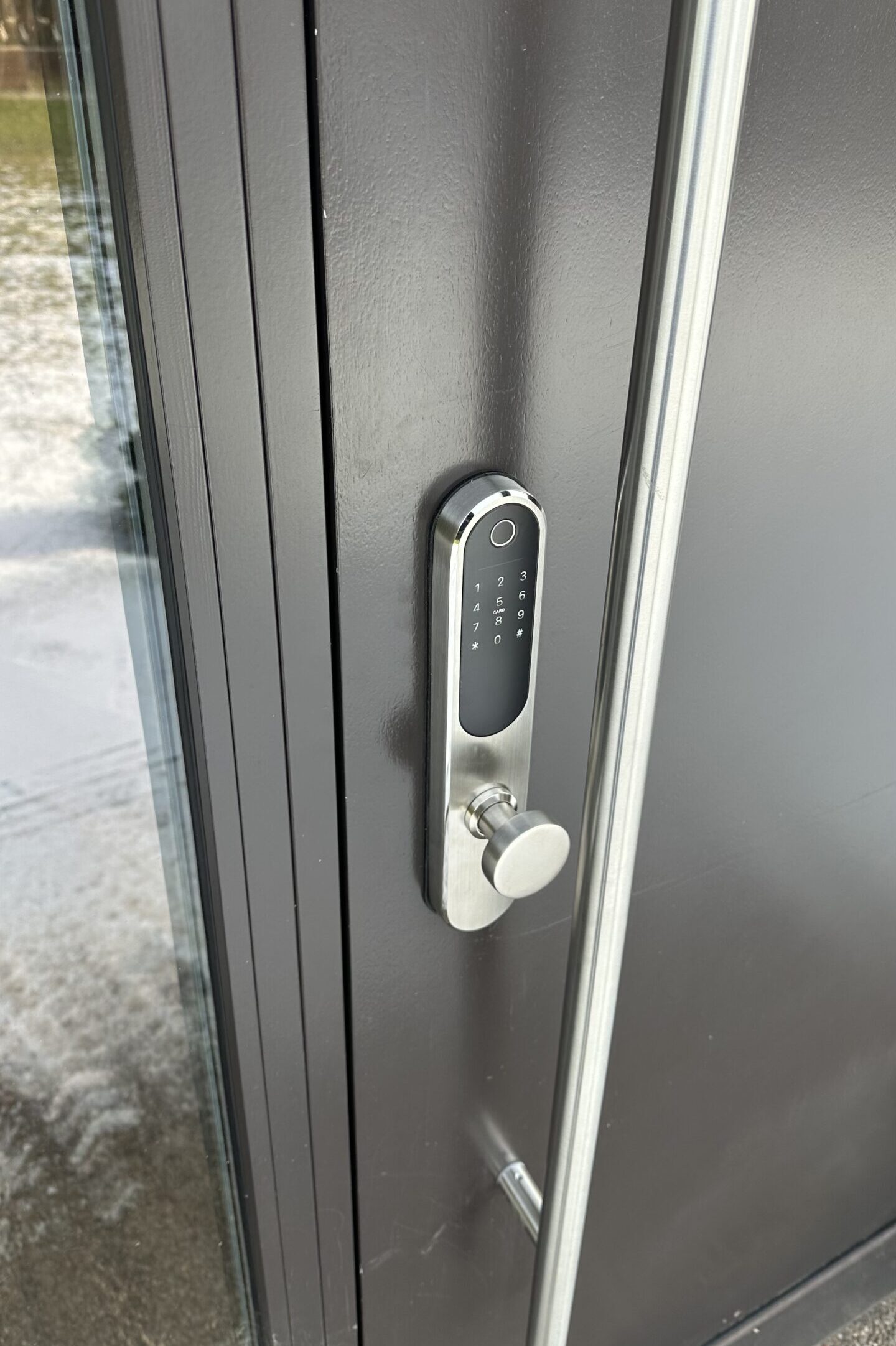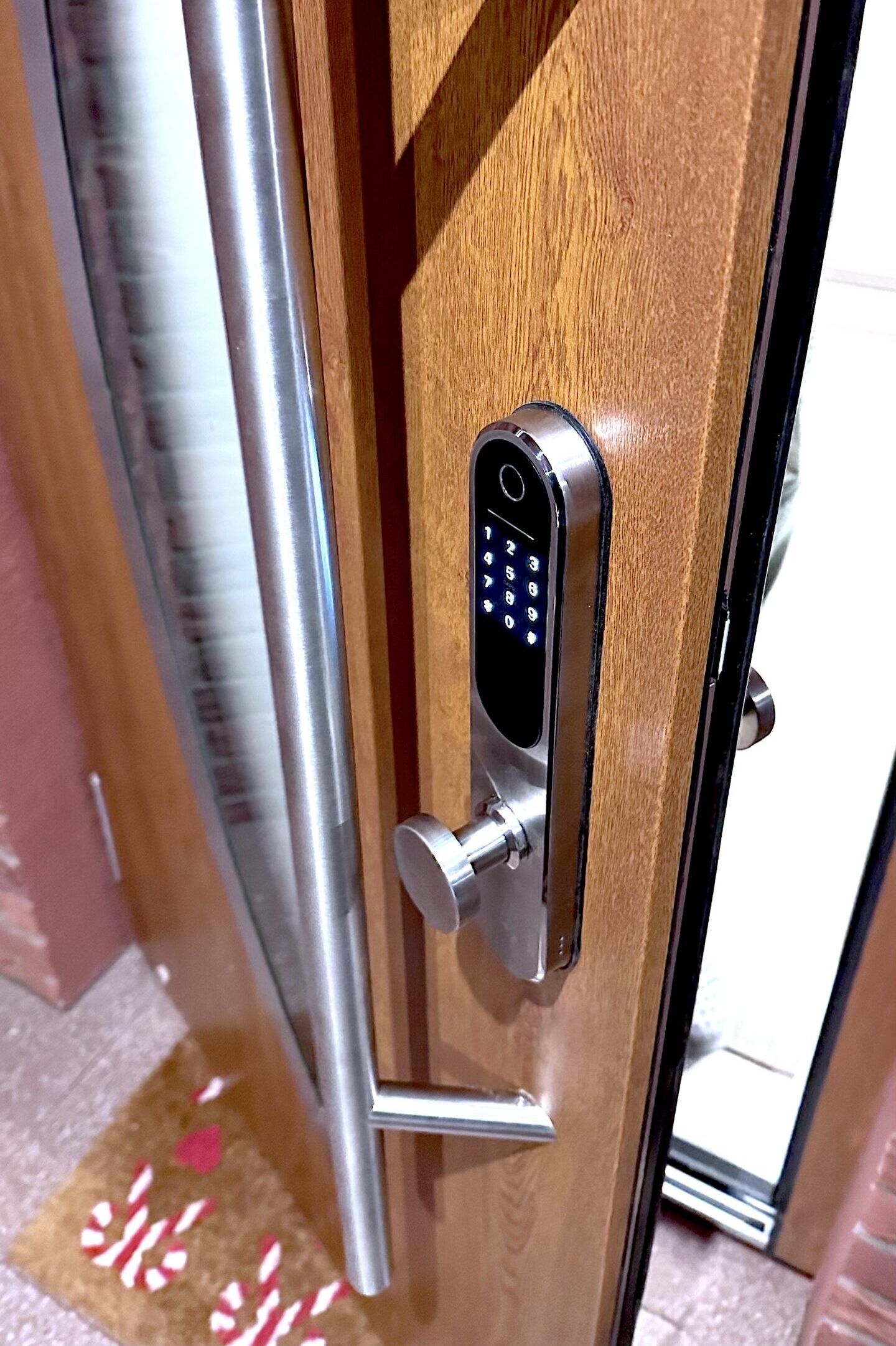
Place your finger on the fingerprint sensor to unlock. Each fingerprint can be assigned an ID in the app, which records entry and exit times.

Enter a 4–9 digit code on the keypad to unlock. Each code can be assigned an ID in the app, which records entry and exit times.

Swipe a key card across the keypad to unlock the door. Each card can be assigned a name in the app, which records entry and exit times.

When you reach the door, open the app and tap the lock icon to unlock the door within 1–2 seconds.

No matter where you are in the world, open the app and tap the smaller blue lock icon to remote unlock the door via the internet within 1–2 seconds.

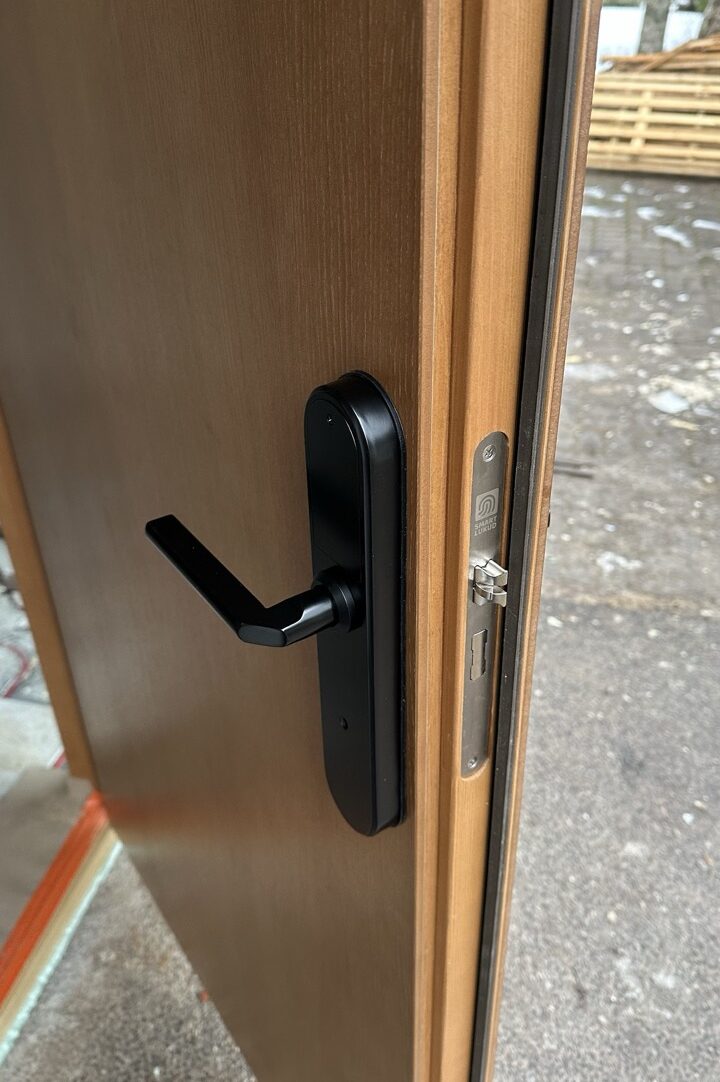
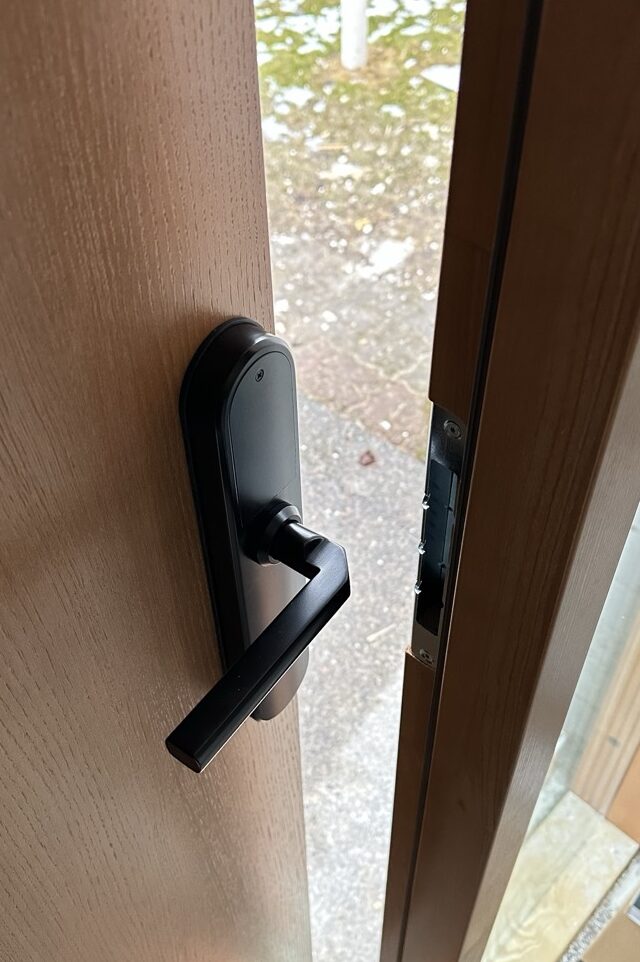
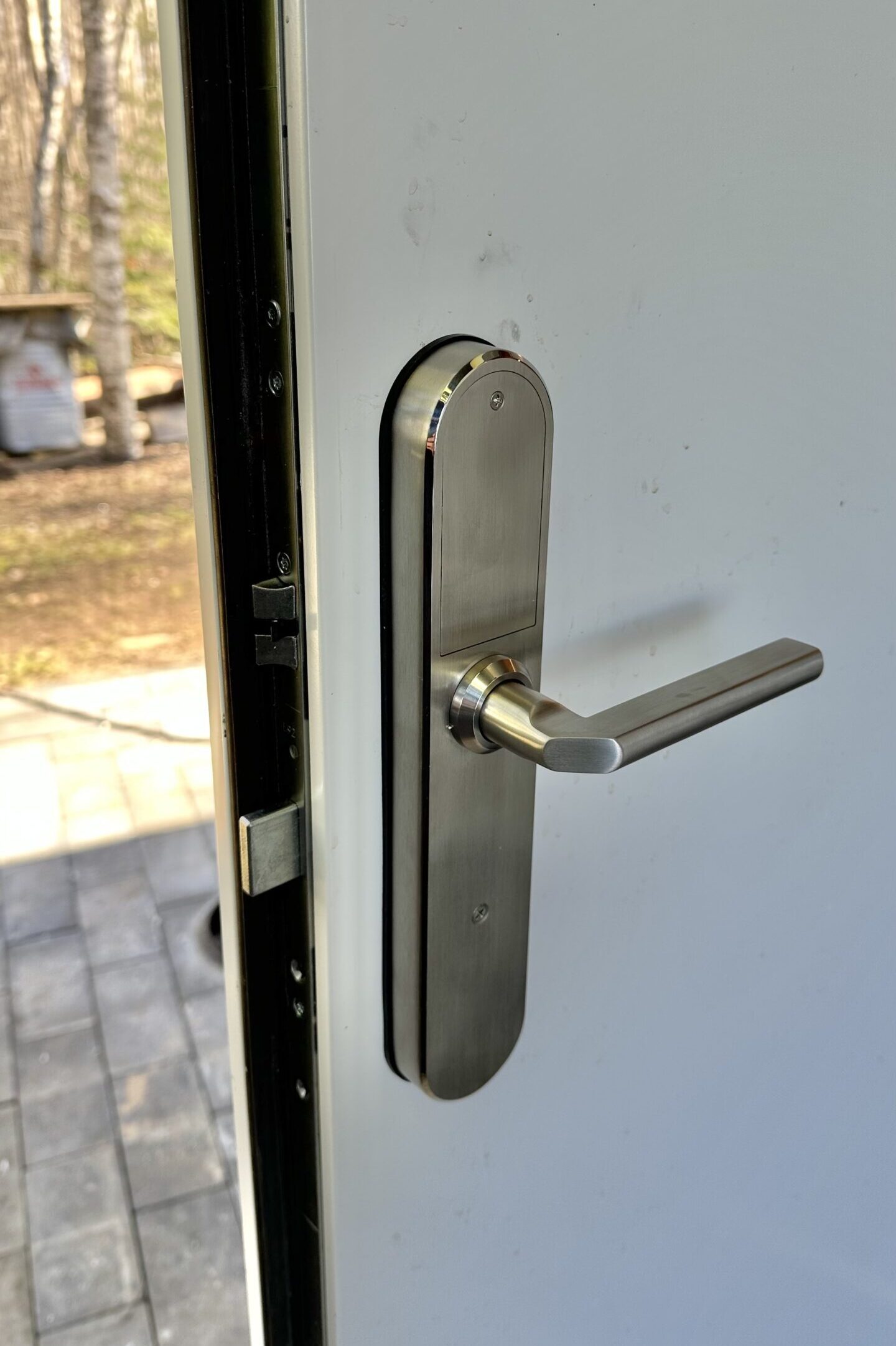
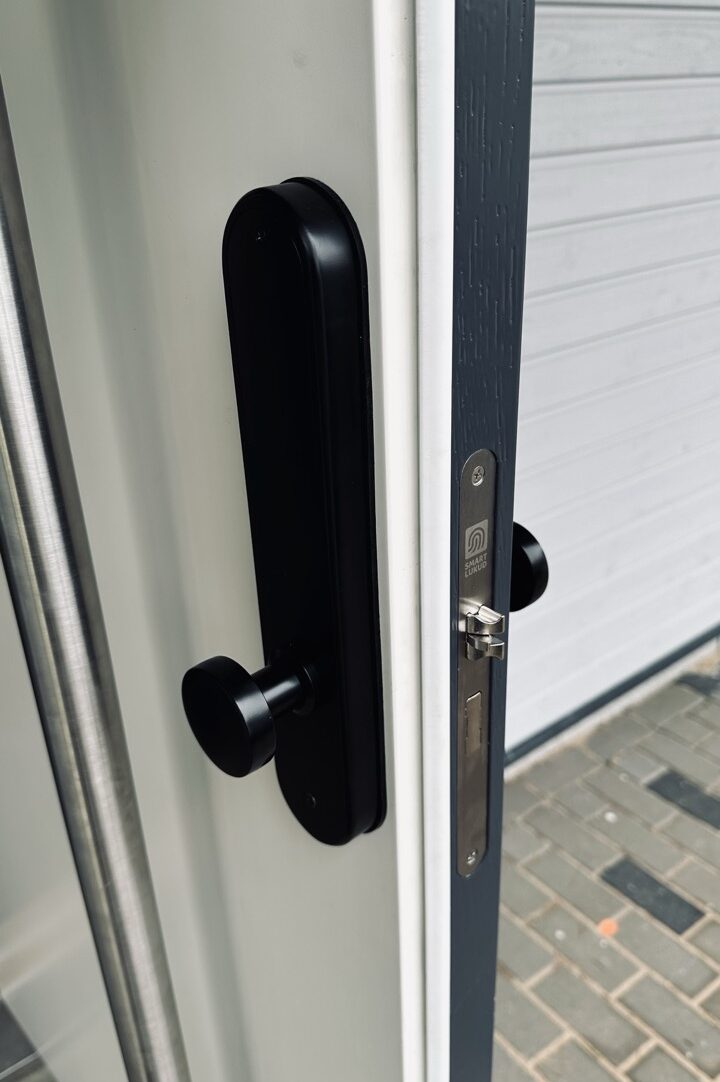
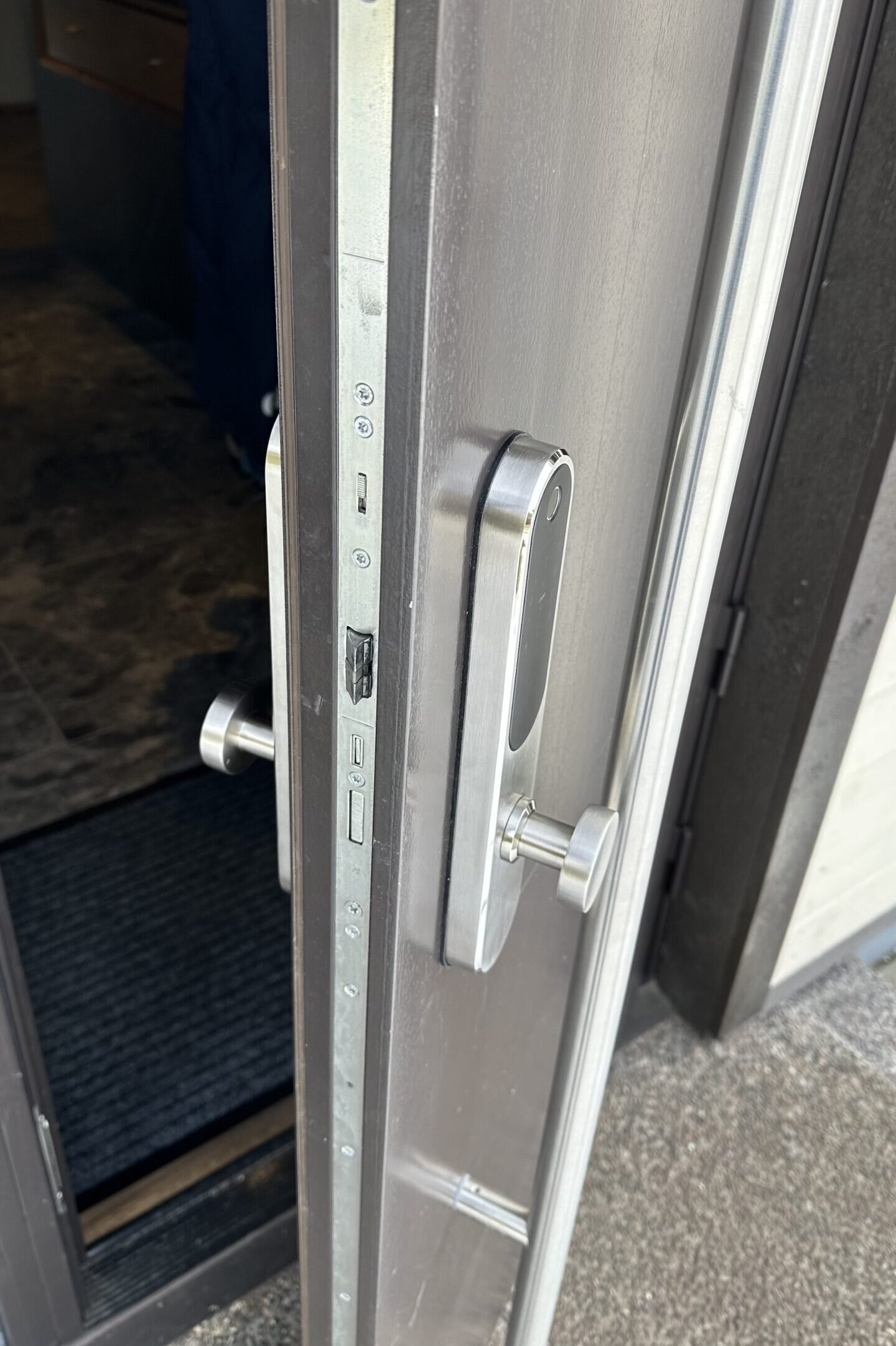
Insert the key into the lock cylinder and turn it. By pressing the link, you can unlock the door without power. There is also a USB-C port through which you can temporarily provide power to the lock to open the door.